Master Your Track Day with the MyLapLog v1 6-Step Workflow
From paddock arrival to pit-lane tyre bleeding and post-stint telemetry review, MyLapLog v1 unifies GPS timing and chassis setup into one streamlined interface.
Step 1: Sign-Up & Mobile PWA Setup
- Instant Access: Sign in at
mylaplog.comvia Google, Kakao, or email (or use Guest Mode). - PWA & Wake Lock: Add
/v1/to your home screen for offline storage, keepAwake: ONactive, and pair a 10Hz Bluetooth receiver viaExt GPS.
Step 2: Log Baseline Setup (+ Log Session)
- Auto-GPS Circuit Lock: In [Session Logs] > [+ Log Session], tap
Auto GPSto auto-select your circuit and layout. - Cold Baseline: Tap your vehicle preset chip, log track state (
DRY/DAMP/WET) and temps, then enter 4-wheel Cold PSI (FL/FR/RL/RR) and Damper Clicks (F/R).
Step 3: 0.001s GPS Lap Timing (Lap Timer)
- Mount & Drive: Secure your phone in the cockpit and launch [Lap Timer].
- Live HUD: Sub-sample vector interpolation detects start/finish and sector gates (
S1/S2/S3), showing 0.001s lap times, live delta (±0.00s), and peak speed.
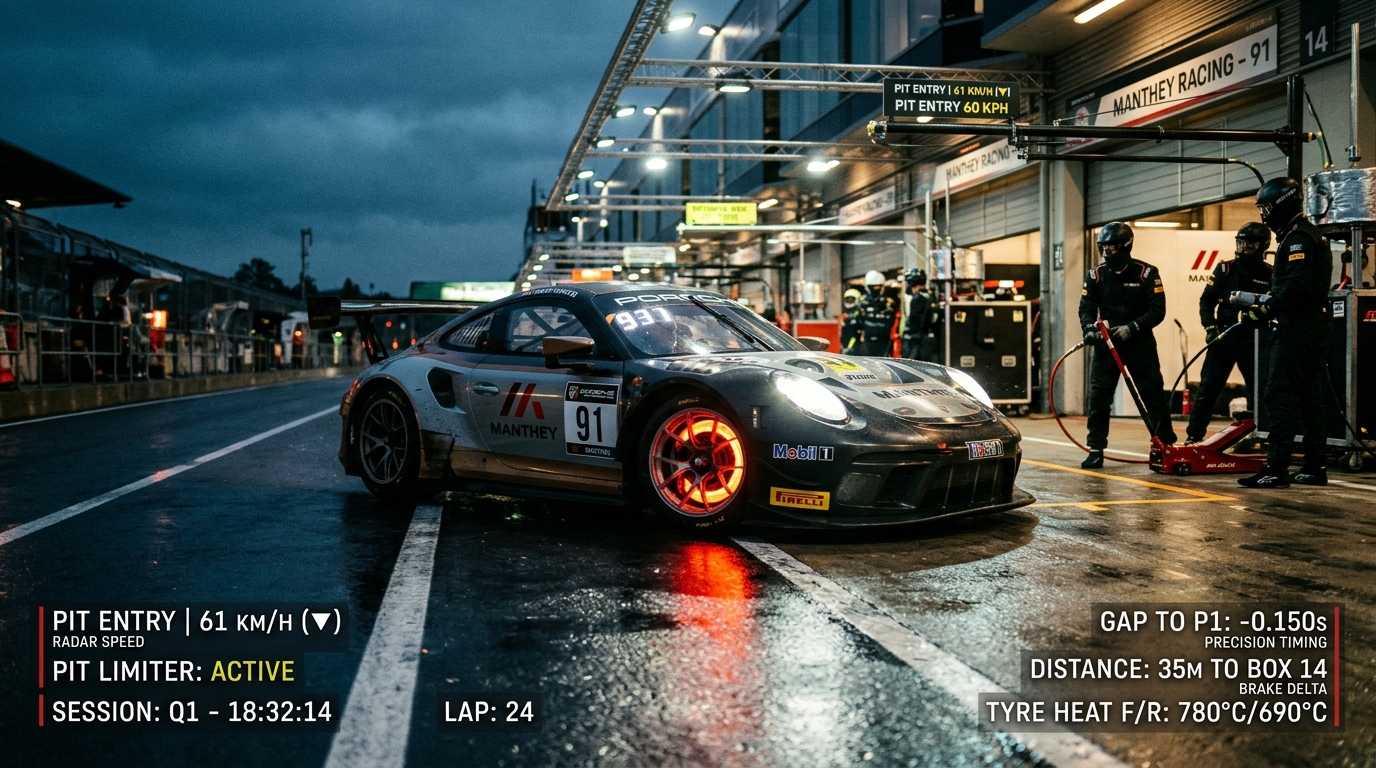
Step 4: Automated Pit-Lane Timer (Pit Timer)
- Auto Entry/Exit: In [Pit Timer], crossing the pit-entry gate starts your regulation countdown.
- Transit vs. Stationary: A velocity filter (
v < 3.0 km/h) splits pit roll time from stationary box time to 0.1s accuracy while monitoring speed limits.
Step 5: Pit Stop Hot PSI & Setup Tuning
- 90-Second Audit: Right after pitting in, measure hot pressures. Tap [Edit] on your session card and enter Hot PSI 🔥 to see per-corner
ΔPSIandAvg Δ PSI. - Tune & Note: Bleed excess pressure, update Damper Clicks (
F/R), and log handling balance in Driver Notes.
Step 6: Telemetry Review & Racelogic .VBO Export
- Analyse & Export: Compare lap progression against setup changes, or tap [Export (.VBO)] to download a 10Hz
.vbofile for Racelogic Circuit Tools.
💡 Takeaway: Repeating this Cold Baseline → GPS Timing → Hot ΔPSI → Setup Note loop every stint builds a personal race-engineering archive.